Are cinematic videos possible on a low budget?
Is it really possible to produce cinematic videos with a compact camera?
No, of course not quite, but with the right know-how, you can now get close and create beautiful videos with current compact cameras and mobile phones.
Before we talk further about cinematic film shoots, we need to clarify exactly what this means.
It's about achieving a perfect look for video recordings, where everything is perfectly coordinated, resulting in beautiful colors and contrasts, the perfect shooting angle, smooth camera pans, and the interplay of light, shadows, and background blur (bokeh).
Know your equipment
It's important to know your equipment well, as many functions are often difficult to find. Ideally, you should read the camera's manual and immediately try out the functions. Most importantly, write down your experiences, because you forget things very quickly when you're trying out a lot of new things. (This is one reason why this page exists; I'm noting my experiences to share them and so I can refer back to them later.) Equipment is a tool, and with enough skill, you can take fantastic photos with anything!
Lots of light helps a lot
Light is essential for getting good shots, especially if you have a small image sensor, as is the case with most compact cameras and mobile phones. Because the sensor is small, it needs plenty of light to produce sharp, noise-free images. This can easily be achieved by shooting videos outdoors in good, sunny weather, ideally with clouds, as the clouds create diffused light, ensuring even illumination. If you prefer to shoot your videos indoors, pay attention to good lighting. Modern LEDs often provide very bright light, but only a few lamps are suitable for video recording, as many flicker and/or don't cover the entire color gamut, significantly reducing image quality. Ideally, use lamps with PWM control above 3 kHz and a CRI of 95% (95% of the colors of sunlight) or higher.
Smooth Movements
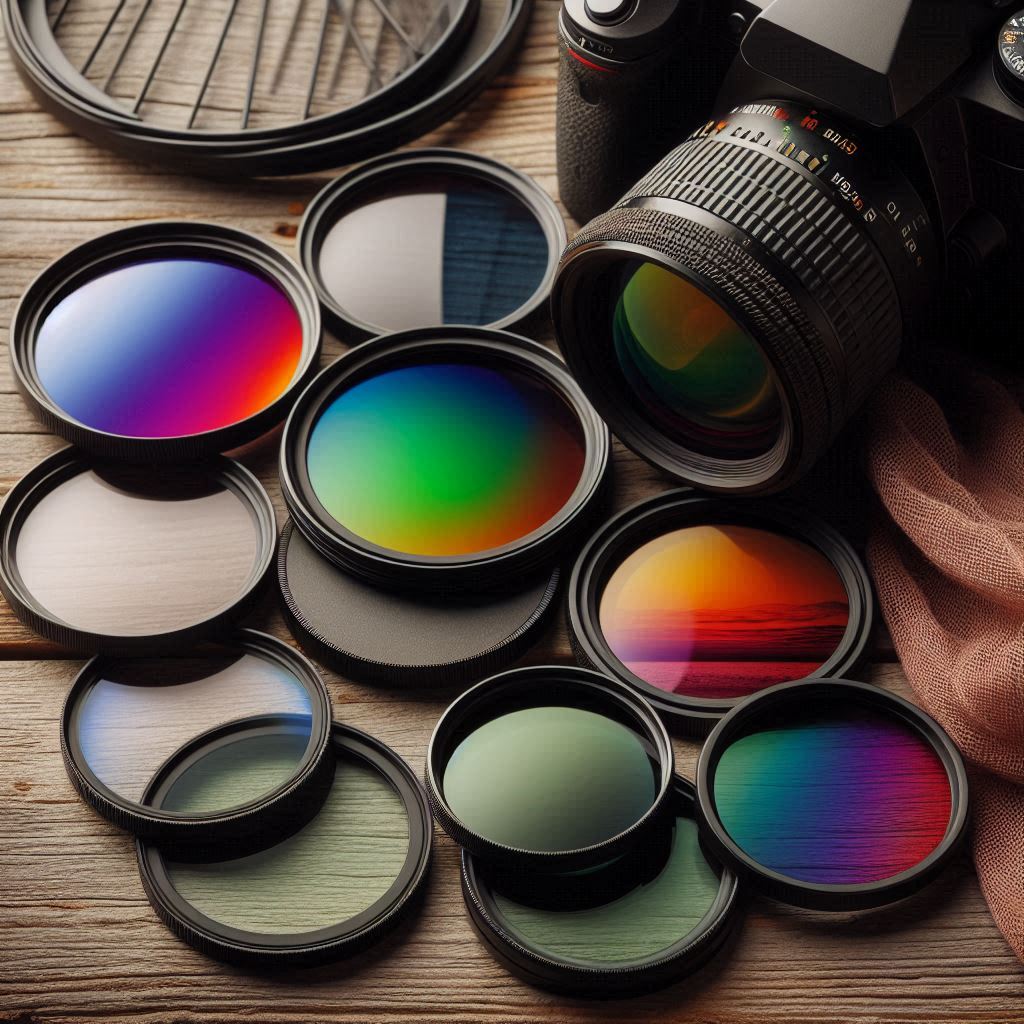
A stable image is one of the main points of a cinematic video; this can be achieved with a tripod, a Glidecam, a jib, or a gimbal. With cameras that have very good image stabilization, such as those from Panasonic, this can even be done handheld with good technique. Camera shake during recording can also be improved in post-production, but this will significantly crop (reduce) the image area. Choose the right settings! To obtain a natural image, the shutter speed should be twice the frame rate to create natural motion blur. With a wide aperture and sunny weather, ND filters are necessary. You can find more information in this article: Filters for modern video and photo cameras, humbug? Additionally, you can choose the recording profile according to the conditions.
The Right Edit
Image Optimization / Color Correction
Even in post-production, you can significantly improve the quality by optimizing exposure, contrast, and colors (white balance, color intensity, sharpening, etc.). Finally, the video shouldn't be compressed too much, as this results in the loss of valuable image information. Anyone who publishes their video on YouTube will notice that the videos are unfortunately compressed very heavily, making the difference between good and very good videos negligible.
Why is it difficult to shoot good videos with a cinema camera?
The camera must be operated completely manually.
If possible, lenses with a fixed focal length are used, as the image is significantly sharper and, with a large aperture, beautiful background blur (bokeh effects) can be achieved. Unfortunately, this means the shot has to be planned precisely, and you are very inflexible.
The cameras do not have image stabilization and must be stabilized with large, expensive gimbals, tripods, glidecams, jibs, and much more, because this stable image is a big part of the cinematic style.